PS Remote Play transforms your PlayStation5 or PlayStation4 experience, allowing you to access your console from anywhere. Whether you’re not in front of the TV, you’re on the go, or you just want to play in another room, Remote Play mirrors your console directly to your mobile device. This keeps your games, save data, and social media features always at your fingertips.
What is PS Remote Play?
PS Remote Play is an official PlayStation feature that streams your PS5 or PS4 screen to a compatible mobile device. Instead of being tethered to your console and TV, you can continue your gaming sessions on your smartphone or tablet – as long as you have a stable internet connection. Your console handles all the processing power, while your mobile device becomes a window for your game.
Amazing Features Of this App
Full Console Screen on Your Mobile Device
With Remote Play, your PlayStation screen is mirrored in real time on your Android device. You see exactly what you see on your TV - menus, games, settings, and more - for a familiar and smooth gaming experience.
Flexible Control Options
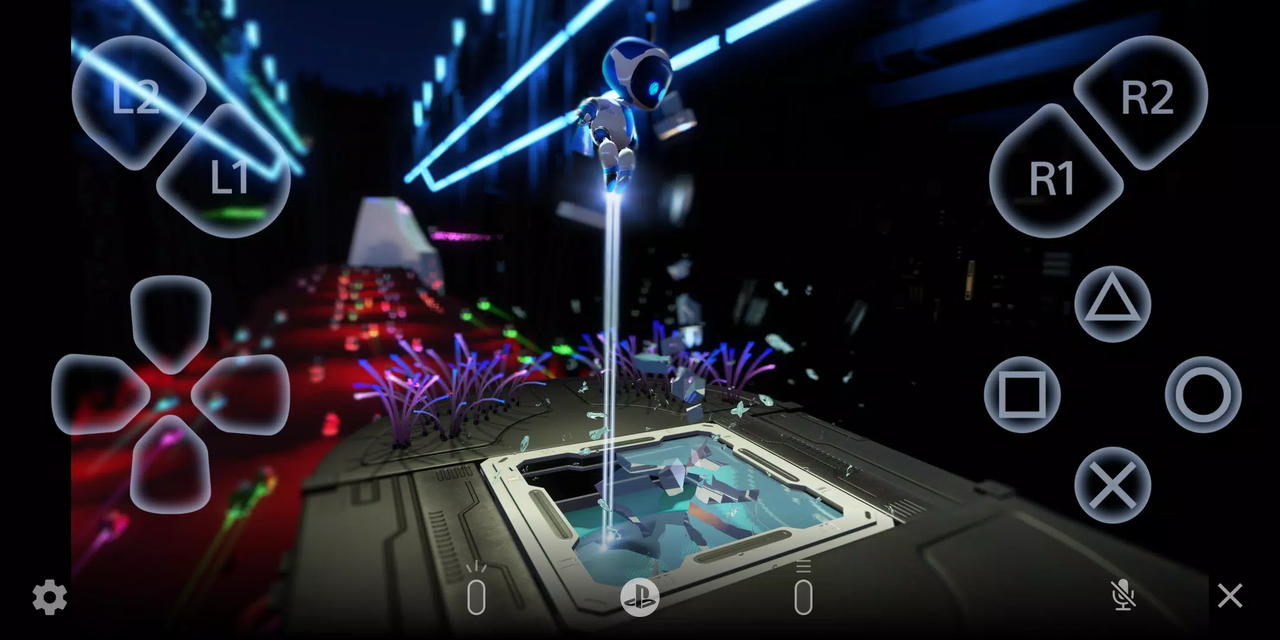
You can control your PS5 or PS4 in a variety of ways. The app offers an intuitive on-screen controller for quick access and also supports a variety of physical controllers for an authentic console experience. This flexibility allows for both casual play and intense gaming sessions.
Official Controller Support
Remote Play supports multiple PlayStation-certified controllers:
- DUALSHOCK4 wireless controllers for classic PS4 gameplay
- DualSense wireless controller on Android 12 or later for next-gen comfort and design
- DualSense Edge wireless controller on Android 14 or later for enhanced customization
- Backbone One PlayStation Edition for Android smartphones with USB Type-C for a handheld console experience
Thanks to this broad compatibility, you can play the way you prefer - whether it's with touch controls or physical buttons.
Integrated Communication and Text Input Features
Remote Play offers more than just gameplay. You can participate in voice chat using your mobile device's microphone, making it easy to talk to friends while playing. Messages and texts can be entered faster and more easily using your smartphone's keyboard than with a traditional controller.
What You Need to Get Started
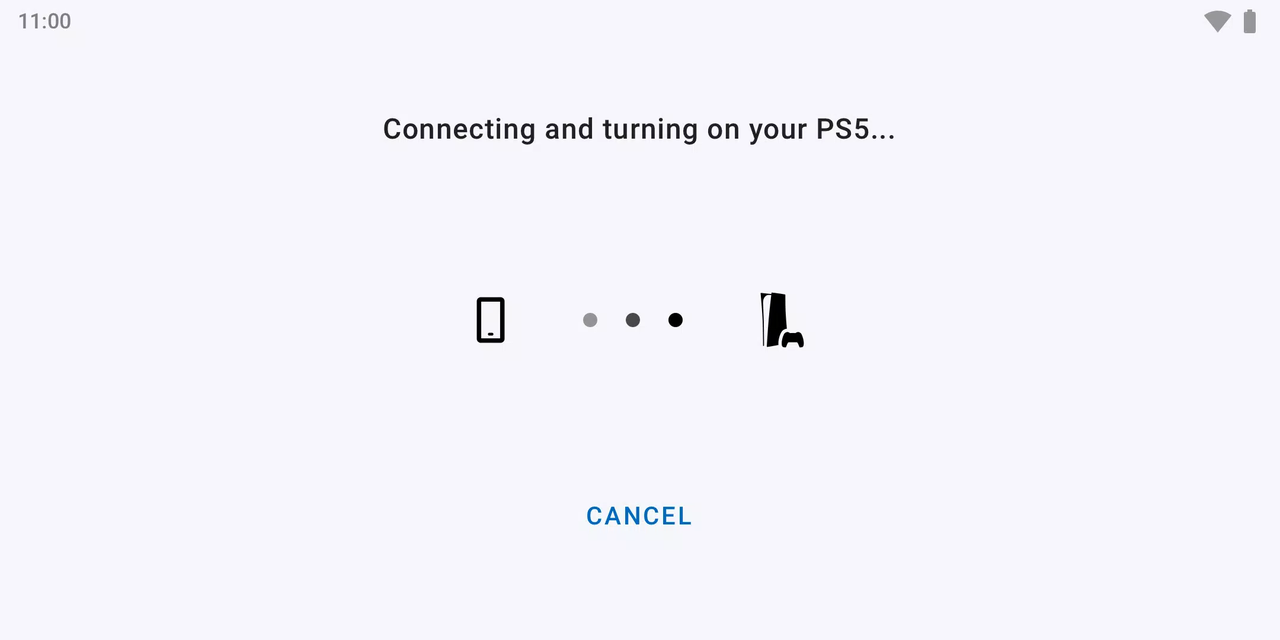
To use PS Remote Play smoothly, you'll need a few things. You'll need an Android device running Android 10 or higher, an updated PS5 or PS4 console with the latest system software, and an active PlayStation Network account. A fast and stable internet connection is also essential, as streaming gameplay relies heavily on consistent network performance.
Important Notes on Mobile Data Usage
When using Remote Play with mobile data, it's advisable to exercise caution. Performance is highly dependent on your mobile provider and network conditions, and in some cases, Remote Play may not work reliably. Additionally, Remote Play uses significantly more data than traditional video streaming services. Therefore, additional data charges may apply if you don't have an unlimited data plan.
Tested Android Devices
For the best experience, Sony has tested Remote Play on specific devices. Currently tested models:
- Google Pixel 9 series
- Google Pixel 8 series
- Google Pixel 7 series
Using a tested device ensures smooth performance, better compatibility, and fewer technical issues.
Controller Usage Details
Controller support varies depending on your Android version. On Android 10 and 11, some features - such as the DUALSHOCK 4 touchpad - are controlled by the on-screen controller. Newer Android versions offer full support for the DualSense and DualSense Edge controllers, enabling a more immersive console experience on mobile devices.
Important Notes and Limitations
While PS Remote Play is powerful, there are a few things to keep in mind. The app may not function fully on untested devices, and some games may not be fully compatible. Controller vibration may feel different than when playing directly on the console, and input lag may occur during gameplay, depending on device performance and network quality.
License and Terms of Use
PS Remote Play is subject to the Sony Interactive Entertainment End User License Agreement. Before using the application, we recommend that you read the official Terms of Use to learn about usage rights and restrictions.